01
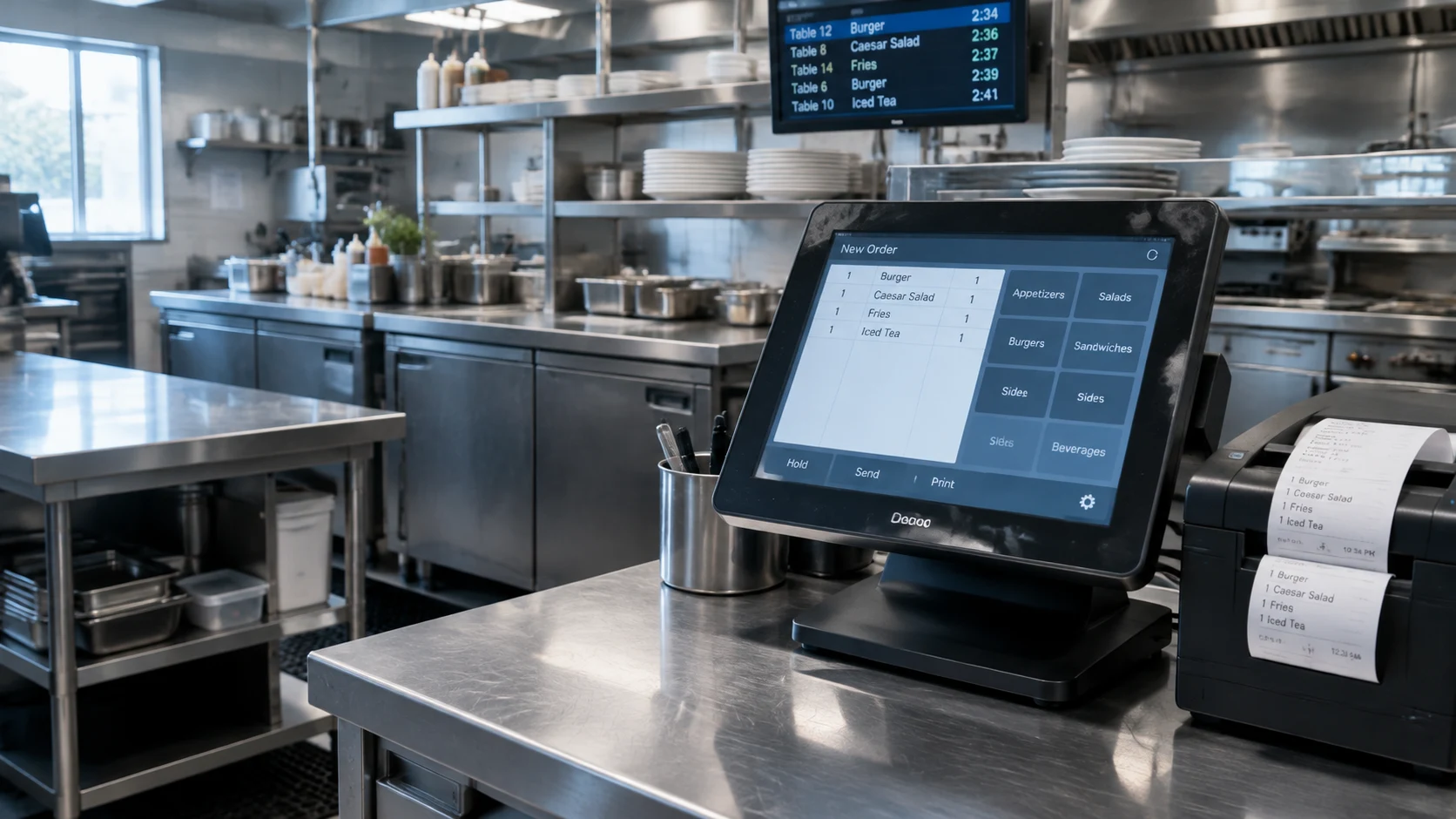
Direct POS Connection
Where compatible platform access, account permissions and provider approvals exist, a direct connection may send order information into the restaurant’s POS.
Review: order entry, menu mapping and available kitchen routing.
RESTAURANT TECHNOLOGY
Every restaurant operates a little differently. 5L takes a practical approach to connecting order information with the kitchen systems and workflows already in place. We review each location’s software and coordinate the appropriate setup, from direct integrations to simple order-receiving options.
Restaurant Technology & POS Integration
Your kitchen already has a way of working. The starting point is understanding it: how orders arrive, how menus are organized and how your team prepares each ticket.
We assess the available connection options rather than assume every platform works the same way. The aim is a clear, practical order process that fits the location.
The systems in your restaurant
These are examples of platforms we can assess during onboarding—not a directory of live integrations or certified partnerships. The specific product, version and account setup guide the review.
Dining rooms, counters and everyday service
 Square for Restaurants
 Toast
 Clover
 Lightspeed Restaurant
 TouchBistro
 SpotOn
 Revel Systems
Multi-location operations and established installations
 Oracle MICROS Simphony
 PAR Brink POSPAR PixelPoint
 Focus POS
Specialized menus and order-handling workflows
 HungerRush (formerly Revention)
 SpeedLine Solutions
 Slice Register
Other POS products and location-specific editions
 Shopify POS
 Lavu
 CAKE POSUpserve / legacy Lightspeed editions
Representative systems reviewed during onboarding. Connection options depend on the platform and restaurant setup.
A practical connection strategy
The right approach may be a direct connection, an existing order channel or a dedicated receiving station. We review the available path with each operator.
Where compatible platform access, account permissions and provider approvals exist, a direct connection may send order information into the restaurant’s POS.
Review: order entry, menu mapping and available kitchen routing.
An operator’s existing ordering or order-management tools may provide a suitable receiving path. We review how those tools connect to the POS and kitchen.
Review: existing connections, order acceptance and routing.
For kitchens that prefer not to change their POS, a dedicated order-receiving workflow may be appropriate. Display and printing options are assessed against the equipment in place.
Review: receiving station, ticket format and staff handoff.
Legacy, custom and enterprise systems may need coordination with the operator, software provider or existing technology team to determine a workable path.
Review: system version, access requirements and operational needs.
Some connections are straightforward; others require additional setup or approval from the POS provider. Our team reviews the options with each restaurant.
From order to preparation
The receiving method may differ. The operational handoff should be understood by everyone involved.
Order details and agreed menu items
The receiving path selected for the location
A clear ticket or display for the kitchen
Order acceptance and readiness updates
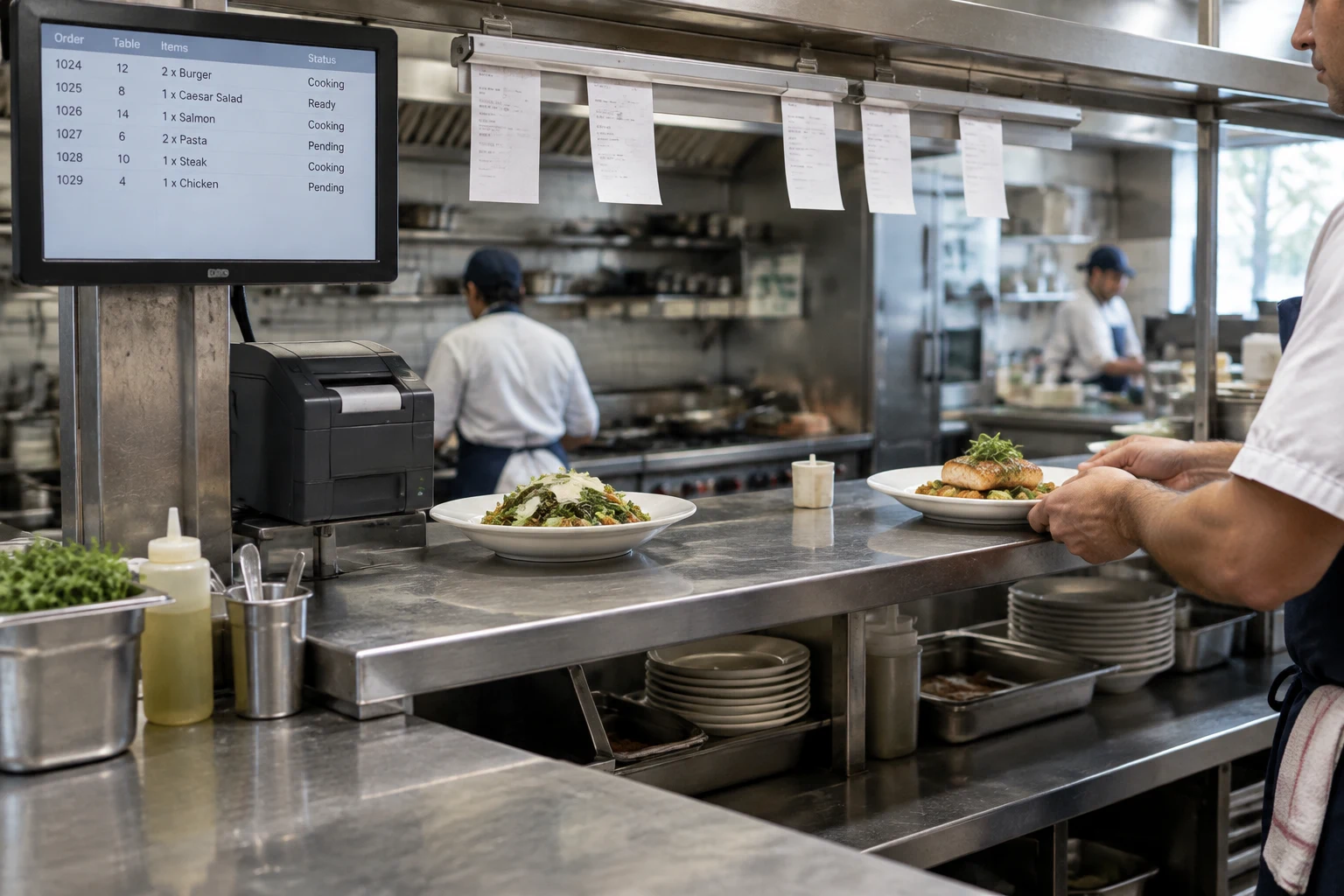
Illustrative order workflow. Direct POS entry, display, printing and automatic status updates depend on the selected connection and available capabilities.
The operational details
Receiving an order is only one part of the setup. Each capability is reviewed separately, where technically available.
A considered start
A step-by-step review of your software, menu and day-to-day kitchen operation.
Identify the POS brand, product and version, along with your current online-order connections and location count.
Review direct connection, existing ordering tools or a practical alternative against your restaurant’s needs.
Match items, prices and modifiers where needed. Review sample orders and kitchen tickets before live use.
Confirm staff responsibilities, order acceptance, kitchen routing and status coordination before the agreed workflow goes live.
Practical questions
A few details about your current systems help shape the conversation.